

Paper Meets Pixels: A Hybrid Planning Setup for Creative Work
Digital Planning | September 28, 2026
There is a quiet war in productivity circles between paper and digital planning. One camp insists that handwriting unlocks memory and focus. The other points out that digital tools search, sync, and never run out of pages. Both are right, and that is the problem. Choosing a side means giving up something genuinely useful. For creative professionals, the more interesting question is not which is better — it is which does what.
Paper and pixels have different strengths, and a hybrid setup plays to both. Paper is fast, tactile, and forgiving. It is wonderful for thinking, sketching, and capturing the messy early stages of an idea. Digital is searchable, portable, and shareable. It is wonderful for reference, scheduling, and anything that needs to travel with you or reach other people. The mistake is forcing one medium to do the job of the other.
A workable hybrid starts with a single question: what kind of information is this? If it is a thought in progress, it belongs on paper. If it is a fact you will need to find later, it belongs in a digital system. This one distinction resolves most of the confusion that makes hybrid setups collapse.
Designing the Division of Labor
Give paper the front end of your process. Use a notebook for daily capture, rough project maps, client call notes, and sketches. Do not worry about neatness. The paper is a workbench, not an archive. Its job is to help you think, and thinking is messy.
Give digital the back end. Anything that must survive — deadlines, contacts, project statuses, reference material — moves into a digital tool during a short daily or weekly review. This is the bridge between the two worlds, and it is the step most people skip. Without it, paper becomes a graveyard of forgotten notes and digital becomes a vague cloud of half-entered tasks.
Keep the digital side minimal. One calendar, one task manager, one place for reference files. The more apps you add, the more time you spend moving information between them, which is exactly the kind of work that feels productive and produces nothing. A small number of tools used consistently beats a large number used occasionally.
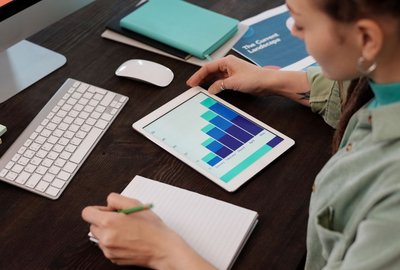
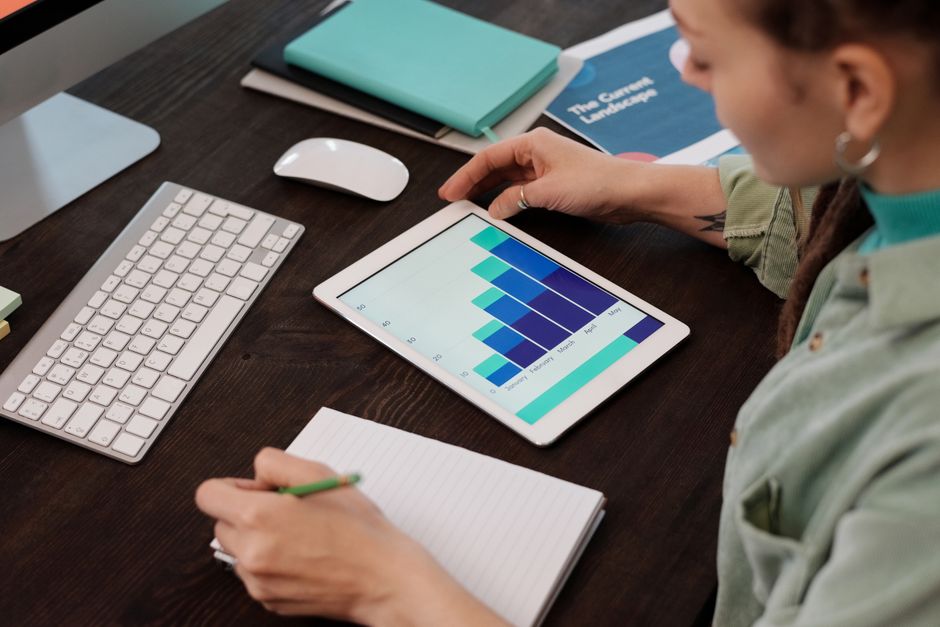
Consider a tablet with a stylus if you want the feel of paper with the searchability of digital. It is a genuine middle path, though it comes with its own temptations — apps, notifications, and the endless pull of the internet. If you go this route, keep the device in a focused mode while you work.
Making the System Stick
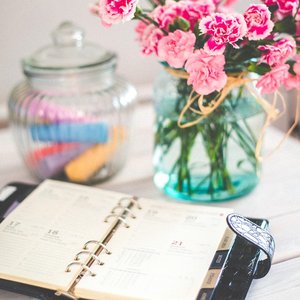
The hybrid setup only works if you review it. Set a weekly appointment, thirty minutes, to move anything important from paper to digital, clear completed items, and look at the week ahead. This ritual is what keeps the two halves connected. Skip it for two weeks and the whole system quietly falls apart.
Be honest about your habits. If you never open a paper planner, do not force it. If you hate typing notes, do not pretend otherwise. The best system is the one that matches how you already think, not the one that looks best in a photograph. Start with the medium you reach for naturally and add the other only where it clearly helps.
Hybrid planning is not indecision. It is matching the tool to the task. When paper handles your thinking and digital handles your memory, you stop fighting your own system and start using it.
-
The Empty Calendar Myth: Why White Space Is a Planning Tool, Not a Failure
Sep 28, 2026Digital Planning

-

-

-
Single-Tasking in a Multi-Project Life: Managing Several Clients Without Losing Your Mind
Sep 3, 2026Minimalist Systems

-
The Empty Calendar Myth: Why White Space Is a Planning Tool, Not a Failure
Sep 15, 2026Focus & Flow

-

-
Digital Detox for Designers: Reclaiming Deep Work in a Notification-Rich World
Sep 10, 2026Deep Work

-

-

Sleek Slate

Every app you add costs attention you could be spending on the work itself.